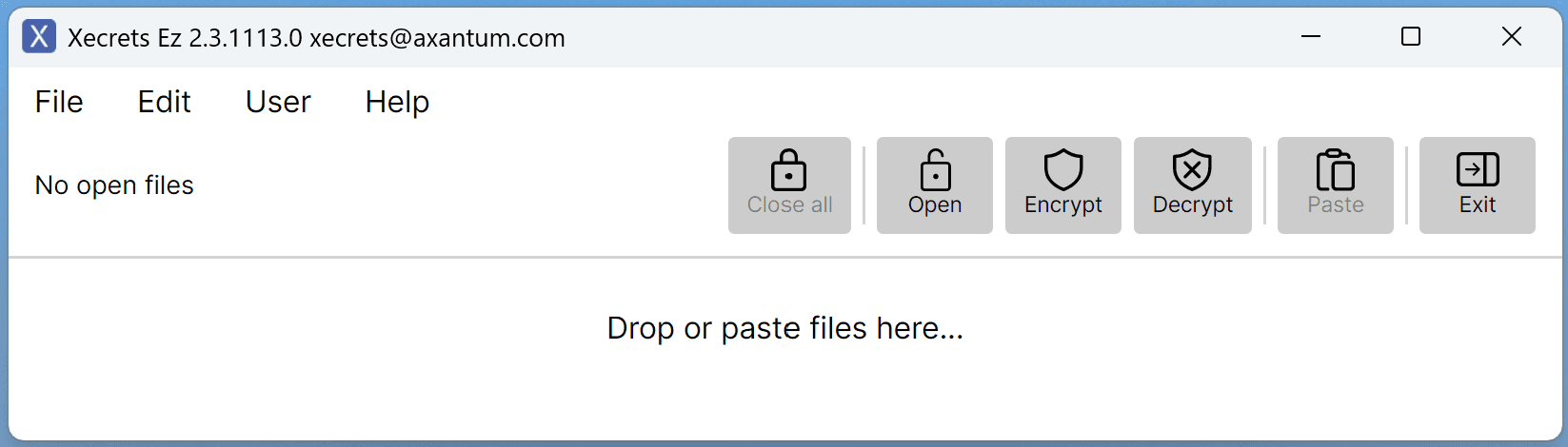
Password protect files with strong encryption.
Xecrets Ez desktop is our easy to use free desktop zero-knowledge file encryption application available for macOS, Linux and Windows. For more information watch a demo, see the feature overview and the help page.
Looking for Android, iOS? See Xecrets Ez mobile, our entirely free and open source mobile app, currently available as an open beta.
If you want to password protect and lock files, Xecrets Ez is a great solution. You can easily password protect PDF, Word, Excel and any other type of file with a few clicks.
See the PCMag Xecrets Ez Premium Review for an independent opinion. Since then we've added even more features, including plain text encryption/decryption, smart password suggestions, a password strength meter, encryption/decryption in folders and sub-folders, automatic exit after inactivity and dark/light theme selection.
While the Free version is sufficient for many needs, a Premium subscription unlocks a number of features that make working with files more convenient and add additional capabilities. Try Premium without cost, no credit card required!
Xecrets Ez desktop is built as a portable single file executable for all platforms and architectures, no installation is required. However, we also give you the option to install from the Microsoft Store for Windows, Flathub for Linux and a DMG file for macOS to install Ez in the Applications folder. These will automatically provide app icons and a file type association to enable double-click to open with Ez.
Languages supported include English, Français, Deutsch, Italiano, Español, Português brasileiro and Svenska.
It will encrypt any file to a new file, wiping the original and as a Premium feature also allowing you to work with encrypted files almost as easily as before encrypting them.
It is 100% compatible with AxCrypt[2], in fact it is based on the exact same core code, but is less complex and is entirely focused on delivering the main functionality needed without the bells and whistles and having no requirement for server or Internet access, it works entirely locally on your computer. For personal or commercial daily use it's a great alternative to AxCrypt[2]!
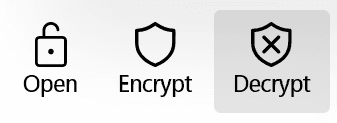
Encrypt, decrypt or open files for editing and re-encryption with a click.
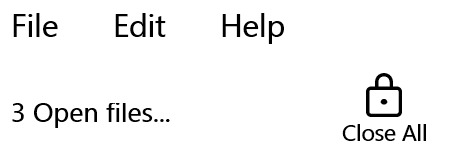
When finished with editing an encrypted file, close the editing application and re-encrypt with click (Premium).
Support for intelligent drag'n'drop (Windows only) or copy/paste operations.
All features are directly found as quick access buttons and in regular menus. Drag'n'drop (Windows only), and copy/paste also works.