


This page describes Xecrets Ez mobile for Android and iOS. The mobile apps are currently in open beta. For Windows, macOS and Linux, see the desktop help page.
Choose the beta for your device below. The sign-up page will explain how to install the test version and where to send feedback. Beta software may change and should not be your only way to open important files. Only English is supported.
The first time you start the app, you create a local profile with an identifier looking like an email address and a strong password. This is not an online account. The profile and its encrypted key material remain on the device and are not registered with Axantum.
The profile password is used to sign in to the app. It is not stored with the encrypted profile, so keep it safe and make sure you can remember it.
Choose Encrypt... to select a file and replace it with an encrypted .axx file. Use one of the copy or destination choices when you want to keep the original or save the encrypted result somewhere else. The system file picker controls which local and cloud storage locations are available.
Choose Decrypt and... to select an encrypted file. After app-local decryption you can save the plain file or, depending on its type and the platform, preview or edit it directly in Xecrets Ez.
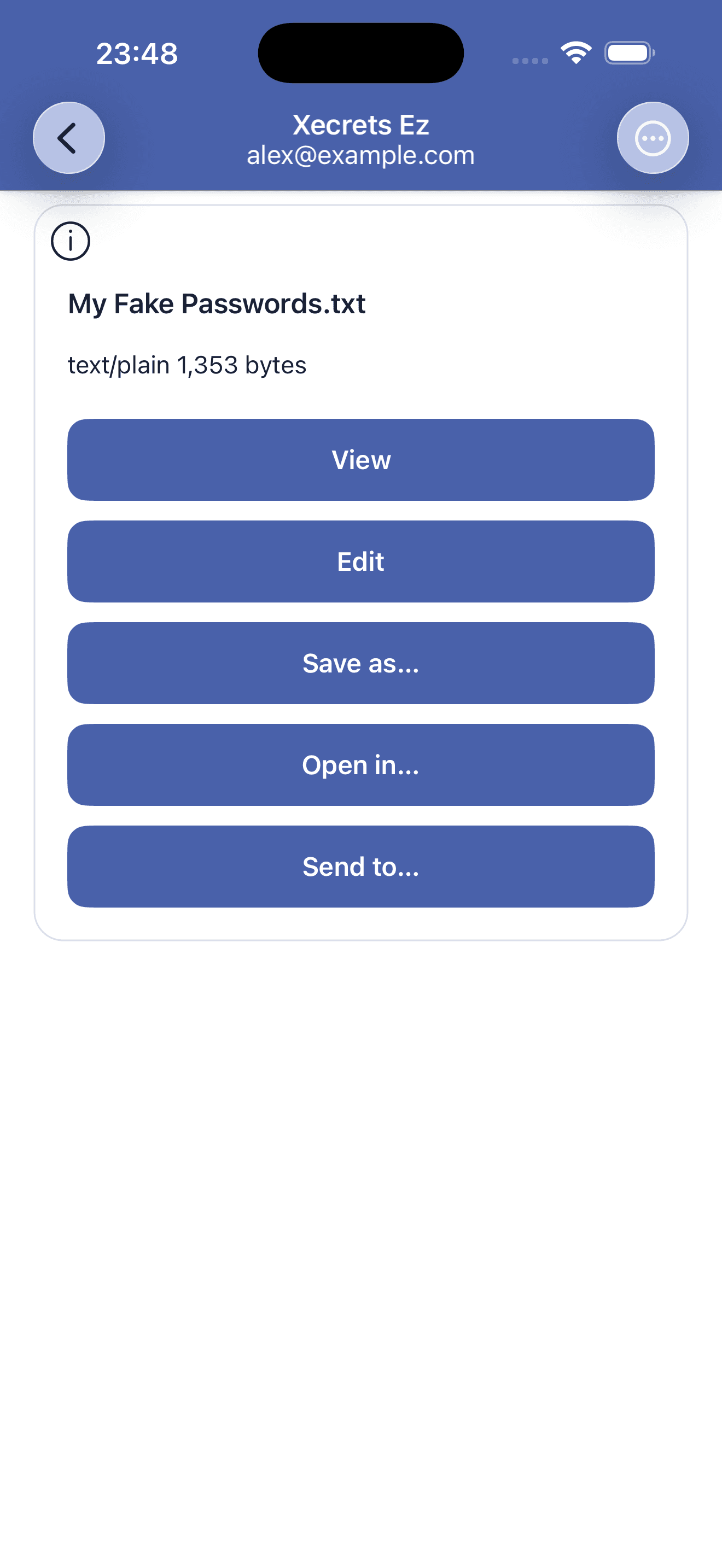
Plain text files can be viewed and edited inside the app. When you save, the text is securely re-encrypted. Other file types can be opened in an installed app that understands them, but Xecrets Ez does not edit those files itself.
Open in... opens a decrypted file in a compatible app of your choice, as supported by your device and operating system. Send to... uses the normal Android or Apple sharing interface. Be careful which version you send: an encrypted .axx file stays protected, while a decrypted file does not.
Once a decrypted file has been passed to another app, that app and the operating system control any copy they keep. Xecrets Ez cannot securely remove files stored by another application.
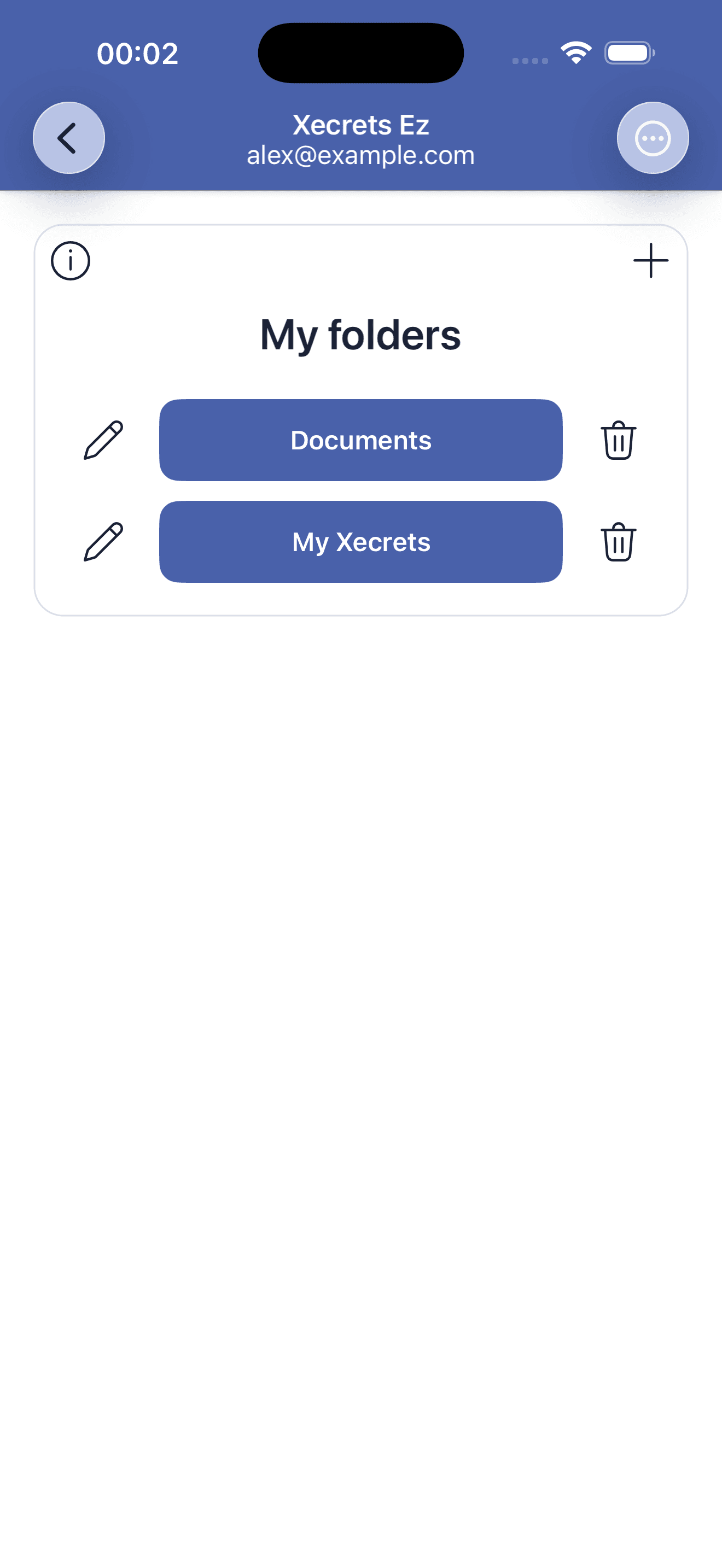
To encrypt and decrypt files in place, you must add folders and grant access under My folders. This a requirement by the mobile operating system. The app remembers the folder and the access granted through the operating system, making it quicker to select files from the same place next time. Work folder labels in the app can be renamed or removed when they are no longer useful.
Removing a work folder from Xecrets Ez removes the shortcut and releases the app's stored access where the platform supports it. It does not delete the folder or its files.
Xecrets Ez uses the file pickers, document providers and save dialogs supplied by Androi and iOS. A cloud storage app can appear there if it integrates with the operating system. Xecrets Ez does not provide cloud storage and does not connect to a cloud service on its own.
Access to a persistent work folder may stop if the folder is moved, the provider is removed, or the operating system or provider revokes permission. Add the folder again if that happens.
Mobile uses the same encryption foundation as the other Xecrets apps. Files can be exchanged with Xecrets Ez desktop and Xecrets Cli, and the app supports AxCrypt[2] file formats 1.x, 2.x and 3.x. The file itself is portable and is not tied to an account, device or storage provider.
There is no server-side password recovery and Axantum does not have your password or encryption keys. If you lose the password for an encrypted file and have no other configured way to decrypt it, the contents are lost. Store important passwords safely and separately from the encrypted files.
Encryption and decryption take place locally. The app does not collect personal data and does not send analytics, telemetry or crash reports. It may create temporary files while previewing, editing, opening or sharing. It attempts to overwrite and remove the temporary files it tracks, but mobile operating systems and flash storage cannot guarantee physical erasure.
See the mobile privacy information for the full explanation.
If a problem remains, contact support. Do not attach confidential plain files or include passwords in a support request. Reproducible software defects may also be reported on GitHub.