


Password protect files with strong encryption on your phone or tablet.
Xecrets Ez mobile brings the same simple file encryption to Android, iOS. Encrypt a file on your computer and open it on your phone, or the other way around. The encrypted file stays protected wherever you choose to keep, copy or send it.
If you first want to know a little more, see the mobile help or take a look at the complete source code on GitHub.
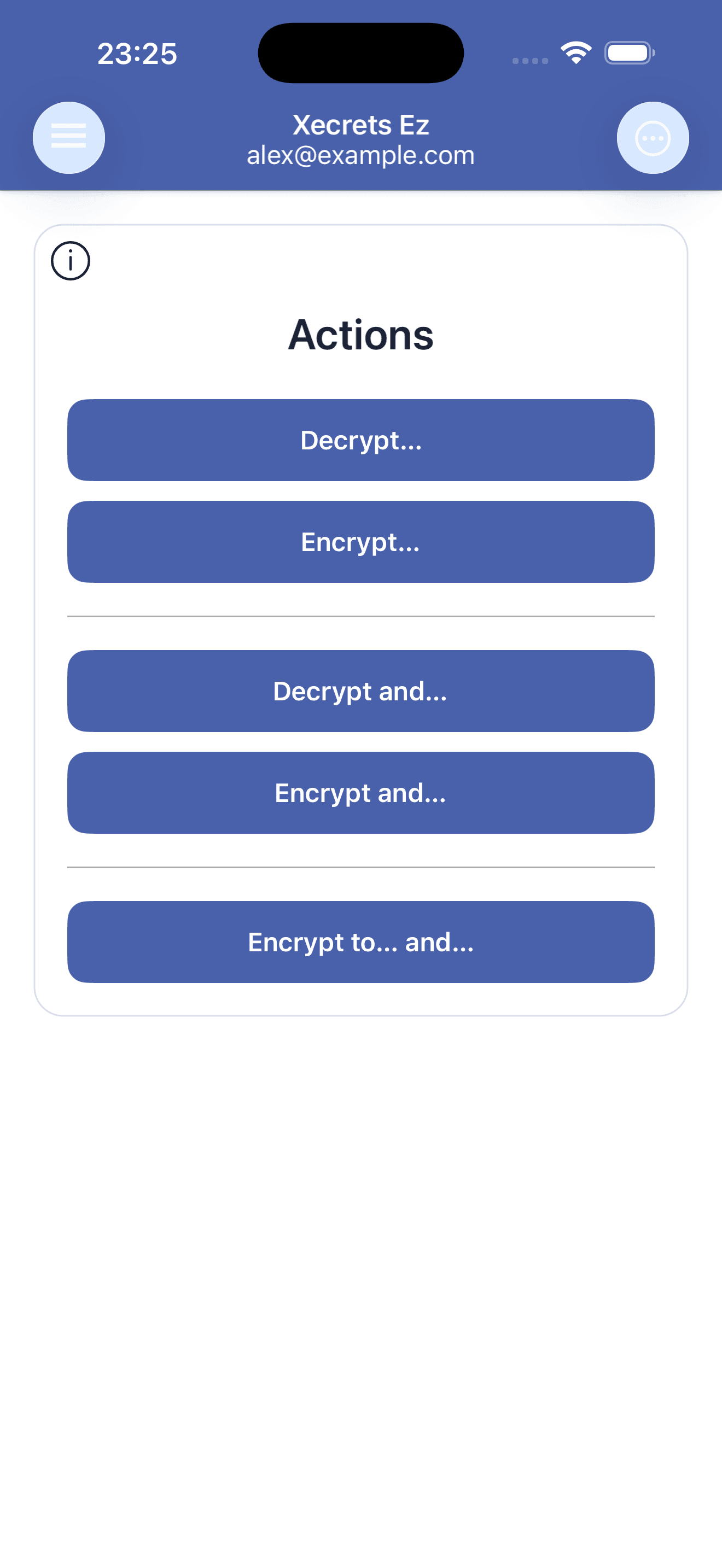
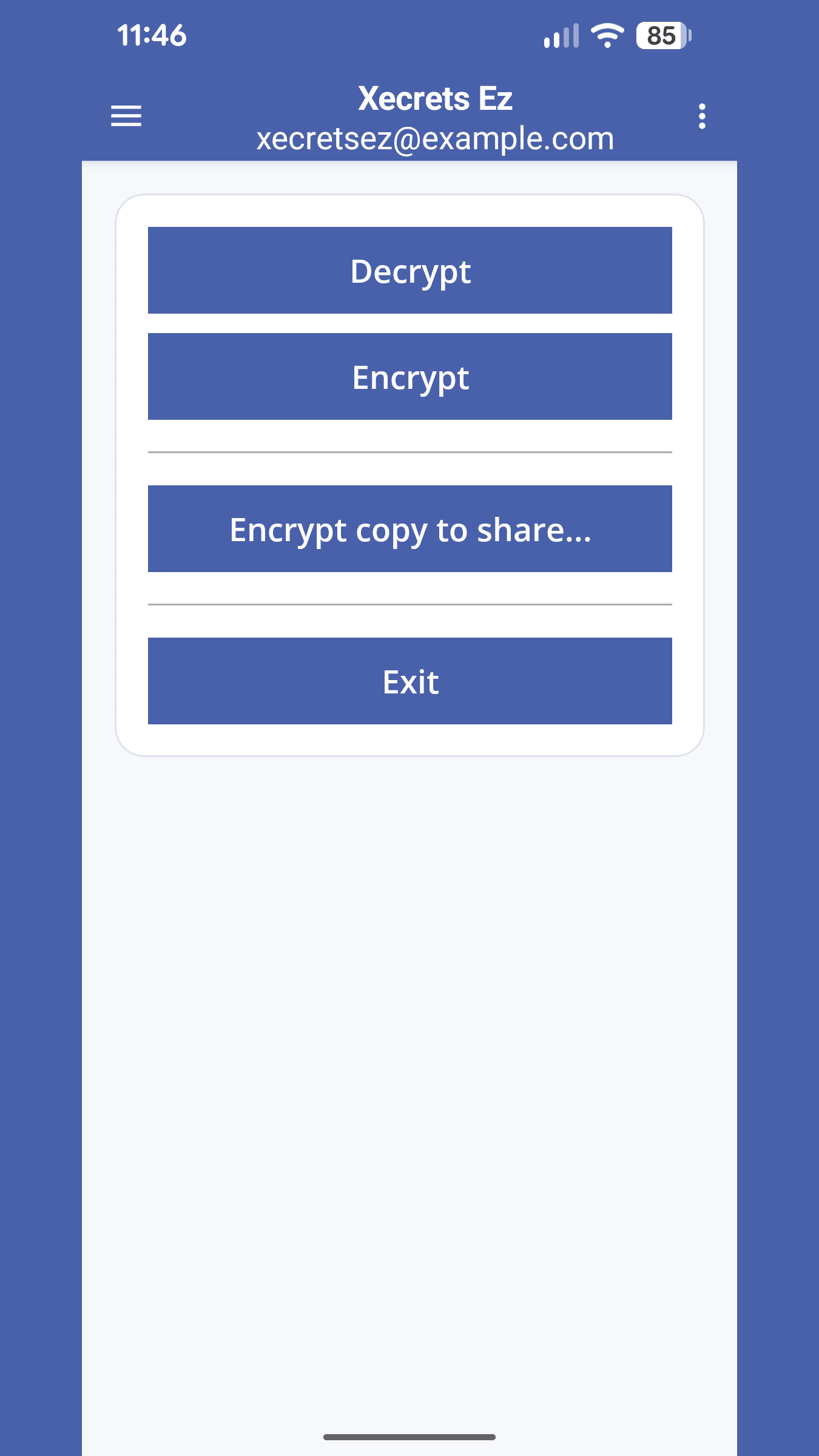
Encrypt and decrypt documents, pictures and any other kind of file. View supported files directly in the app, edit text files and securely re-encrypt them, or open a decrypted file in another suitable app.
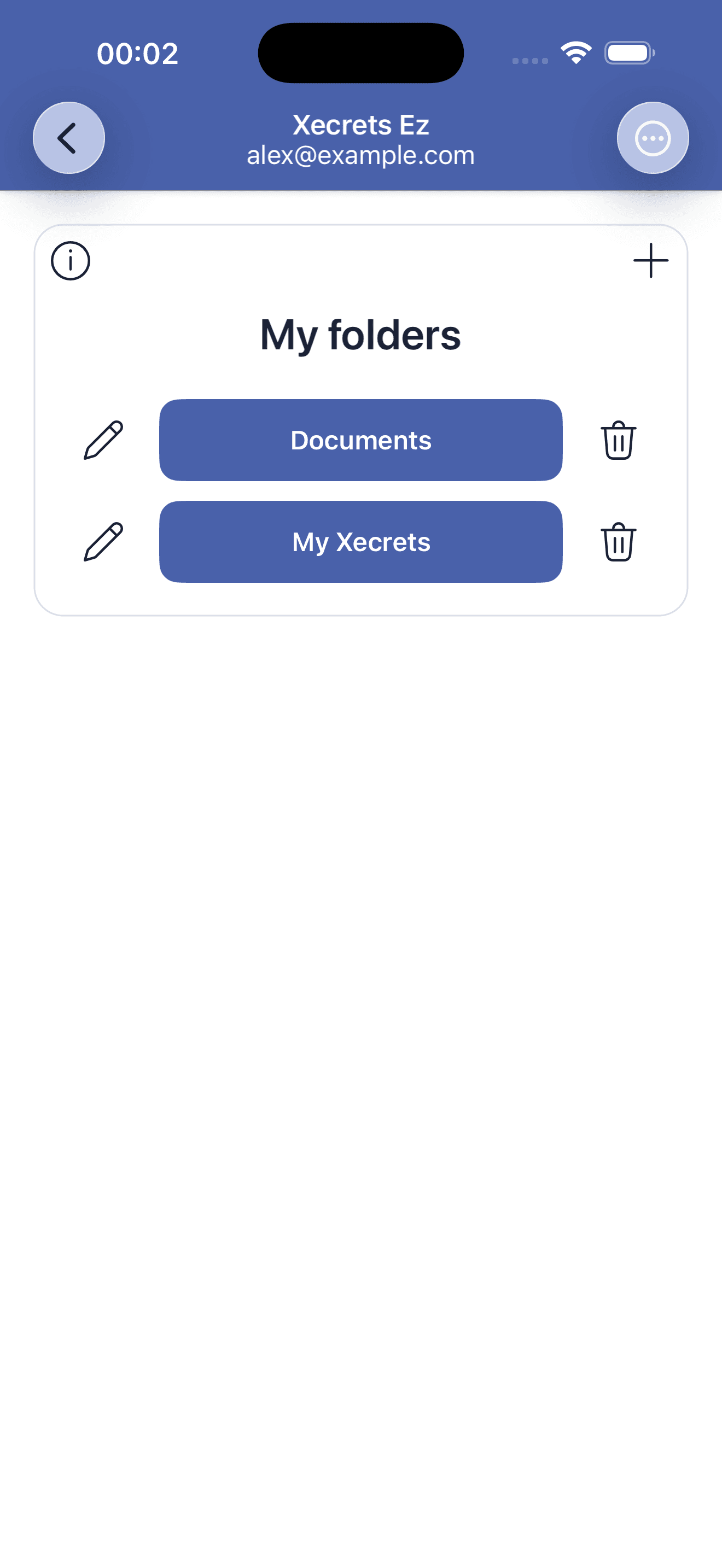
Add the folders you use as persistent work folders. They remain available from the app, so you do not need to find the same place in the system file picker every time you want to work with a file.
Use local storage, a storage provider available through Android or the Files app, or send an encrypted copy using the normal sharing choices on your device. Xecrets does not require its own cloud.
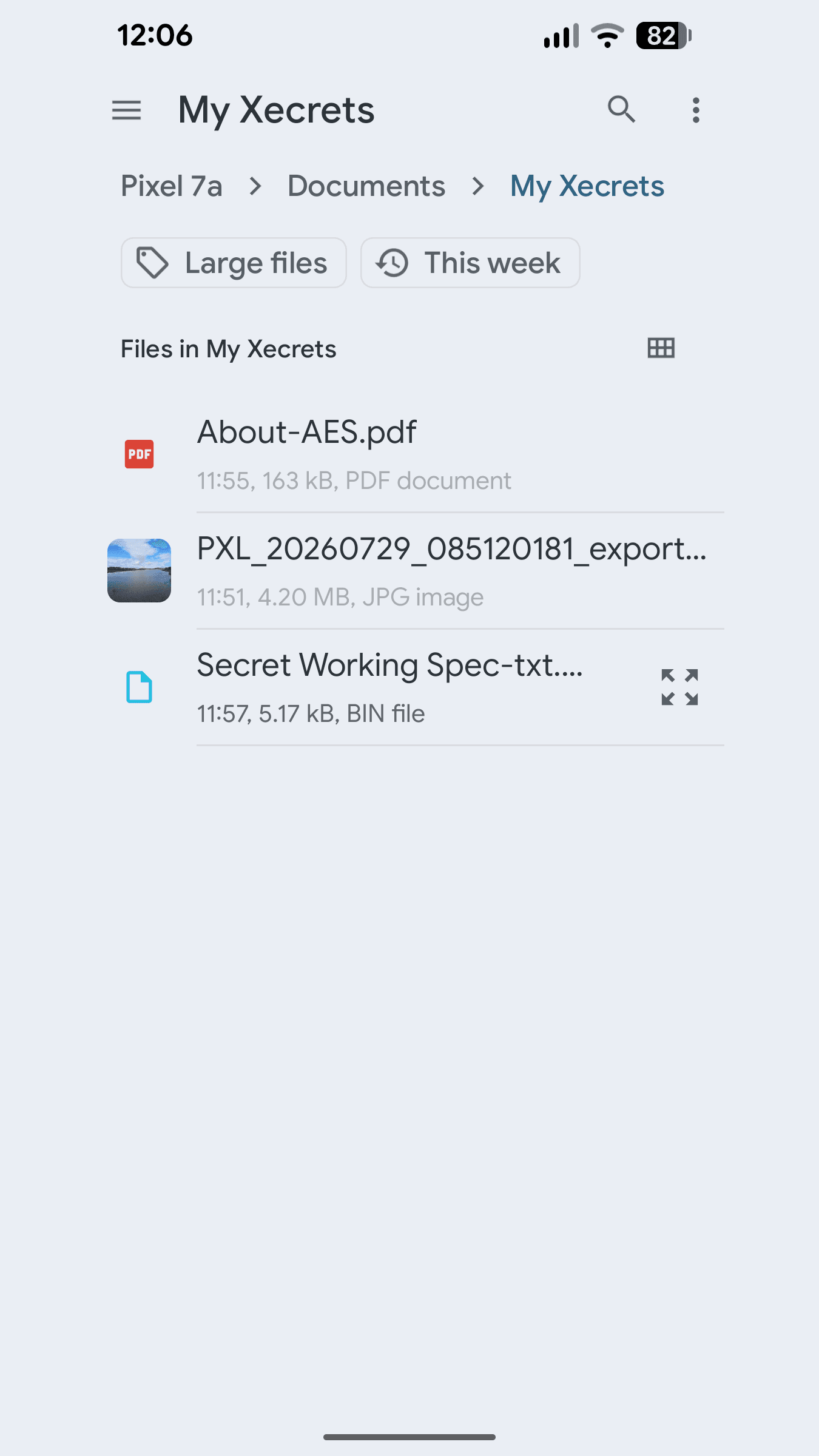
The mobile and desktop apps use the same encryption foundation and the same encrypted file formats. Files are compatible across Android, iOS, Windows, macOS and Linux, and with supported AxCrypt[2] file formats 1.x, 2.x and 3.x.
This is individual file encryption, not a special vault or cloud service. The protection follows the file when you move it, synchronize it, back it up or send it to someone else.
The apps use a local profile for encryption and sharing. It is not an online account, and nothing needs to be registered with Axantum.
There is no Premium mobile edition, no subscription, no advertising and nothing to buy in the app. All encryption, decryption, viewing, text editing, opening and sharing features are available without a paid feature unlock.
The complete mobile app is free software under the GNU GPL version 3 or later. You can inspect, build and contribute to the source on GitHub.
Files and passwords are processed locally. The app has no analytics, advertising, telemetry, user account or backend service, and it does not connect to the Internet on its own. Local crash reports are not sent anywhere automatically.
See our mobile privacy information for details about file pickers, temporary files, device backups and opening or sharing files with other apps.
Choose the beta for your device. When the apps are released publicly, the same mobile download section will take you to Google Play and the App Store.